
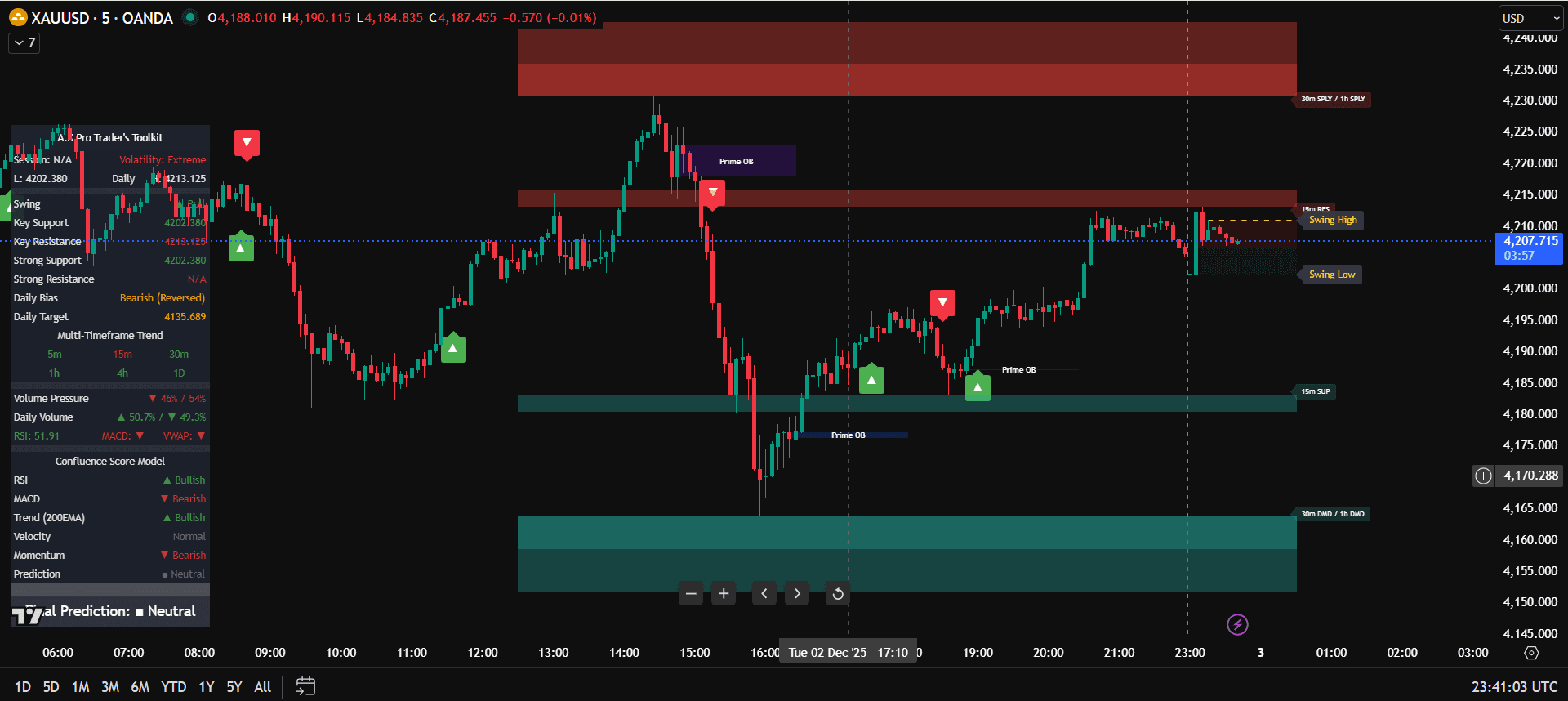
TradingView Indicators Explained for Beginners
This guide explains how to use TradingView indicators in a simple way for beginners. Indicators are not magic signals. They are visual tools that help you understand trend, levels, momentum, structure, alerts, and risk when they are used in the right order.
If you want the complete setup, start with the main how to use TradingView indicators guide. If your chart is already crowded, read TradingView indicators without overload before adding more tools.
Quick answer: TradingView indicators work best when you use them after a plan exists. First decide direction and location, then use indicators to confirm timing, manage alerts, and keep risk consistent.
What TradingView Indicators Actually Do
Trend
Trend tools help you see whether price is generally moving up, down, or sideways.
Levels
Level tools help identify support, resistance, liquidity, key zones, and areas where price may react.
Confirmation
Confirmation tools help decide whether the planned trade idea is strong enough to execute.
Beginner Workflow Explained
A beginner should not open TradingView and immediately search for signals. The better workflow is simple: look at the higher timeframe, mark the important area, wait for price to arrive, then use the indicator as confirmation. This makes trading less emotional and easier to review.
- Higher timeframe first: use H4 or H1 to understand market direction.
- Important levels second: mark where the trade would actually make sense.
- Indicator confirmation third: only use the indicator when price reaches the plan.
- Risk last before entry: position size and stop-loss must be ready before clicking buy or sell.
Why Fewer Indicators Often Work Better
Too many indicators can make a beginner less confident, not more confident. When several tools repeat the same information, the chart becomes slower to read. A cleaner chart helps traders wait for better setups and avoid reacting to every alert.
How This Explanation Supports the Full Indicator Cluster
This beginner explanation supports the full A.K Pro Traders indicators guide by explaining what each tool should do before a trader builds the full Toolkit setup. Use it as the simple learning page in the TradingView indicator content cluster.
When the basics are clear, use the TradingView indicators checklist to review your chart before trading, then move into the TradingView indicators strategy article when you are ready to build the full workflow.
FAQ: TradingView Indicators Explained
What are TradingView indicators used for?
They help traders read trend, levels, structure, momentum, alerts, and confirmation when used inside a written plan.
Are indicators good for beginners?
Yes, when beginners keep the chart simple and give each indicator one clear job.
Why should I use fewer indicators?
Fewer indicators reduce conflicting signals and make it easier to follow bias, location, confirmation, and risk rules.
This content is educational and informational only. Trading leveraged products involves risk.
Related links
Continue your learning with the most relevant indicator overview and plan options.
General Risk Disclaimer
All A.K Pro Traders content and indicators are provided for educational and informational purposes only and do not constitute financial, investment or trading advice. Trading leveraged products such as forex, indices, commodities and crypto involves substantial risk. Always perform your own research, use appropriate risk management and consider speaking with a licensed financial professional before making any trading or investment decisions.